AI headshots and ID photos
from one selfie
Brooklyn is an AI photo studio. Upload one selfie and get a LinkedIn-ready professional headshot, resume-ready ID-style photos, actor profiles or beauty profiles in minutes. No studio booking, no photographer. 2 photos free.
Or try it in your browser →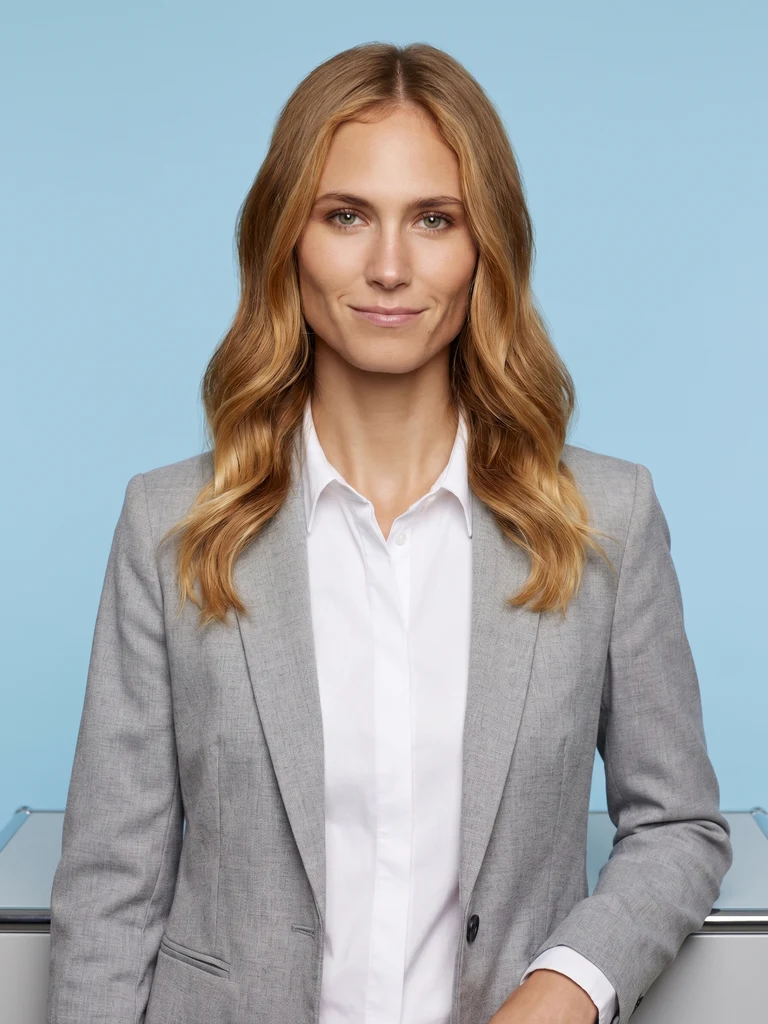
What you can make
Professional headshots
Business headshots for LinkedIn, company pages, business cards and speaker bios. Pick your suit color, shirt color and background, and get a headshot that looks like it came from a studio.
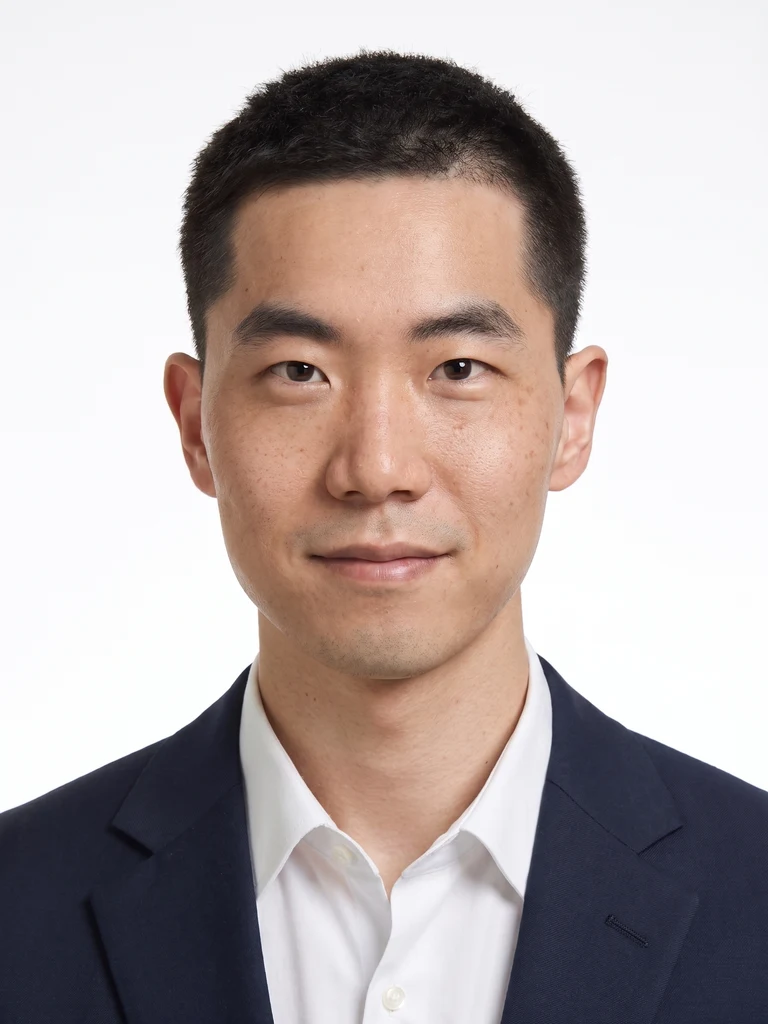
ID-style photos for resumes and badges
Clean, straight-on photos on a plain background for resumes, job applications and employee or student badges. Passports and government IDs are different: they reject AI-edited photos, so take those at a photo studio or booth. See the official rules.
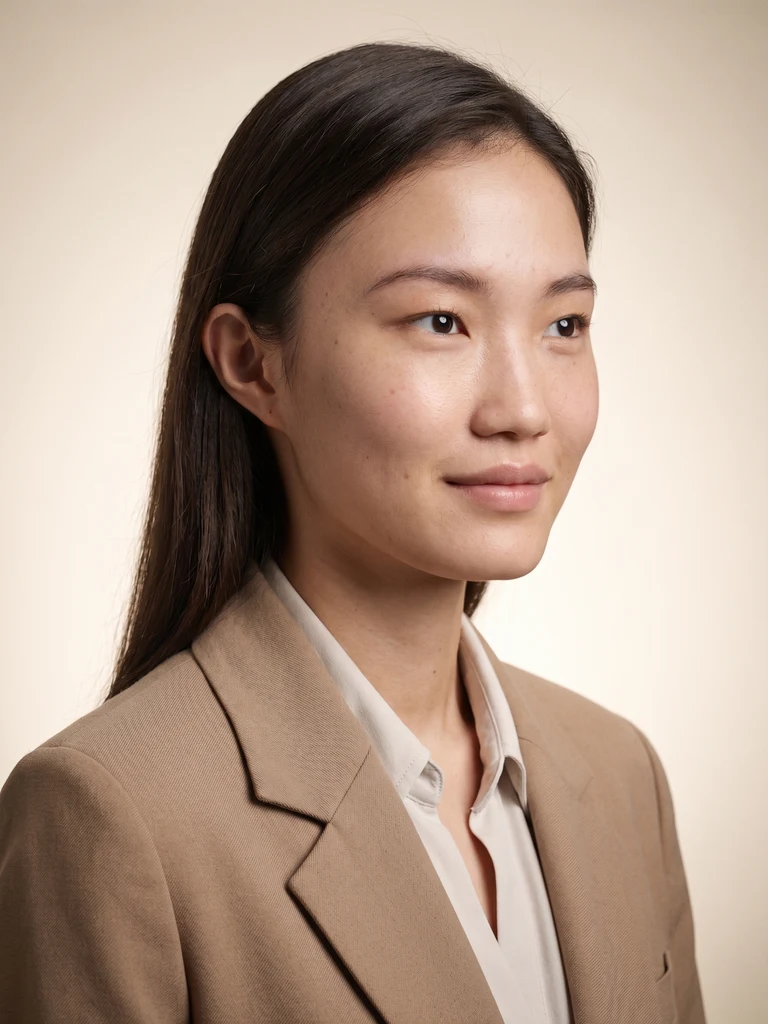
Actor profiles
Cinematic lookbook profiles for casting and auditions. Change the lighting and the look to get several distinct shots from one upload.
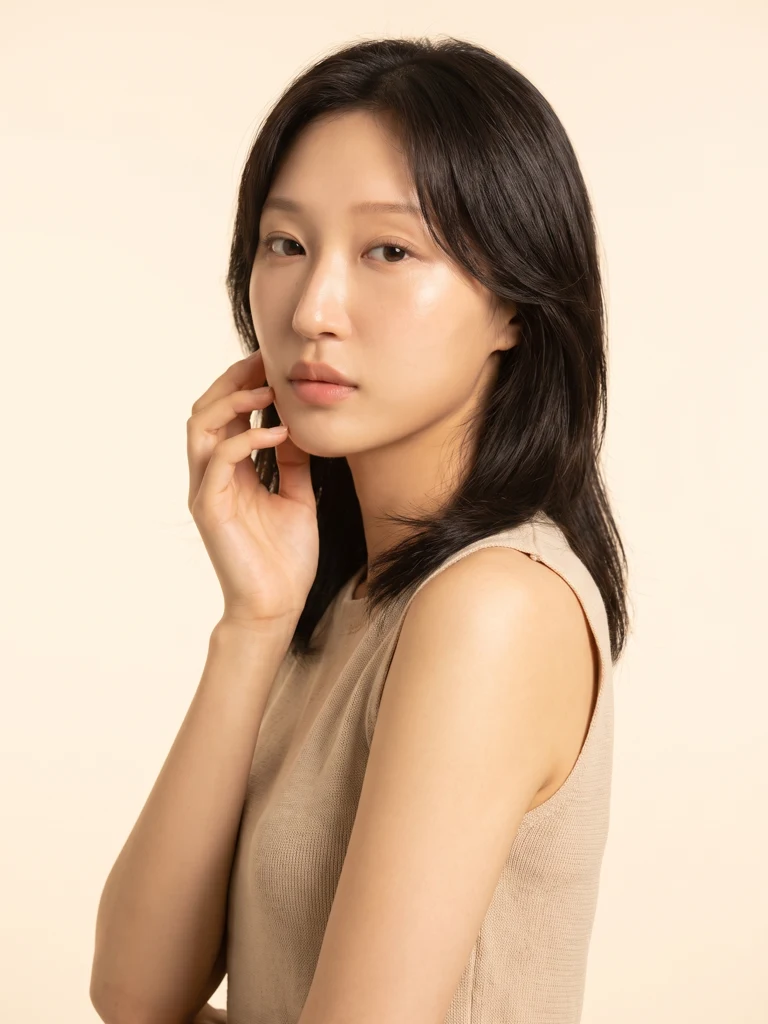
Beauty profiles
Korean beauty-studio styling, with shallow depth of field on the face and soft light bloom for an editorial profile photo.
Wear what you want
Upload a photo of an outfit and get a profile photo of you wearing it. No separate suit or outfit editing step.
How it works
- Upload one selfie. A clear, front-facing photo with your whole face visible works best.
- Choose a studio and a look. Pose, camera angle, expression, hairstyle, outfit color, background color, or black and white.
- Set retouching and makeup. Each goes from 0 to 100, from as-shot to a polished finish. Run the same photo at different levels until you find the one you want.
- Get your photos. Make 1, 3, 6 or 12 at once. Poses and angles vary across a batch so you can pick your favorite. You can close the app while it works and get a notification when it is done.
Pricing
Every account gets 2 photos free. After that, buy credit packs or subscribe to Brooklyn+ inside the app. Prices are shown in your local currency in the App Store and Google Play.
Your photos and privacy
- Your uploaded photo is sent to Google's image model only to generate your result.
- Generated images stay in your in-app gallery for 1 hour, then are deleted automatically. Save the ones you want to your device.
- Every generated image is labeled as AI-generated in its metadata, and you can report any result from inside the app.
Details: Privacy policy
FAQ
Is Brooklyn free?
Every account gets 2 photos free. After that you can buy credit packs or subscribe to Brooklyn+ inside the app.
Can I use Brooklyn photos for a passport or ID?
No. Passport and government ID offices, including the U.S. State Department and South Korea's passport, national ID and driver's license offices, reject photos edited or generated with AI. Take those at a photo studio or booth. Use Brooklyn ID-style photos for resumes, applications and employee or student badges, where the employer or school sets the rules.
Will the headshot still look like me?
Brooklyn keeps your bone structure, eye shape, nose, lips, jawline and hairline, and does not reshape your face. You set skin retouching and makeup yourself on a 0 to 100 scale, from as-shot to a polished finish.
What happens to my photos?
Your uploaded photo is sent to Google's image model to generate the result. Generated images stay in your in-app gallery for 1 hour and are then deleted automatically, so save the ones you want to your device. Every generated image is labeled as AI-generated in its metadata.
How long does it take?
A few minutes. Generation runs on the server, so you can close the app and get a notification when your photos are ready. You can make 1, 3, 6 or 12 photos at once.
Which devices does Brooklyn work on?
iPhone and iPad (App Store), Android (Google Play), and any browser on the web. The app is available in English and Korean.